
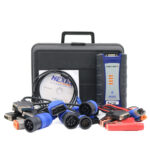
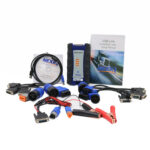
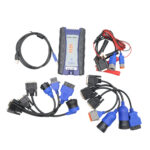
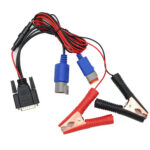
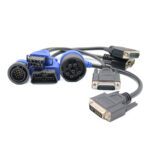
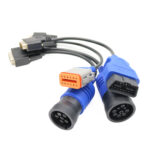
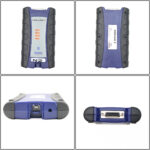
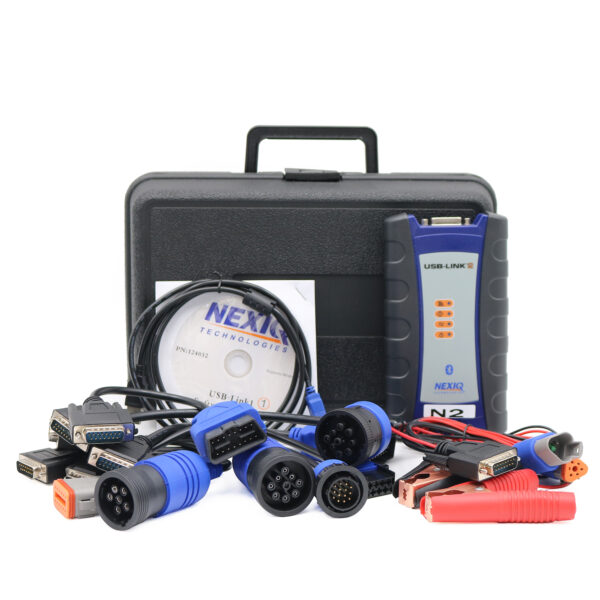
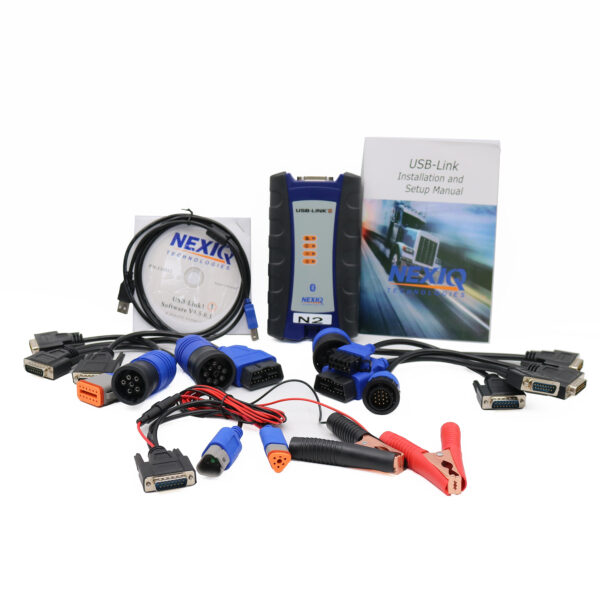
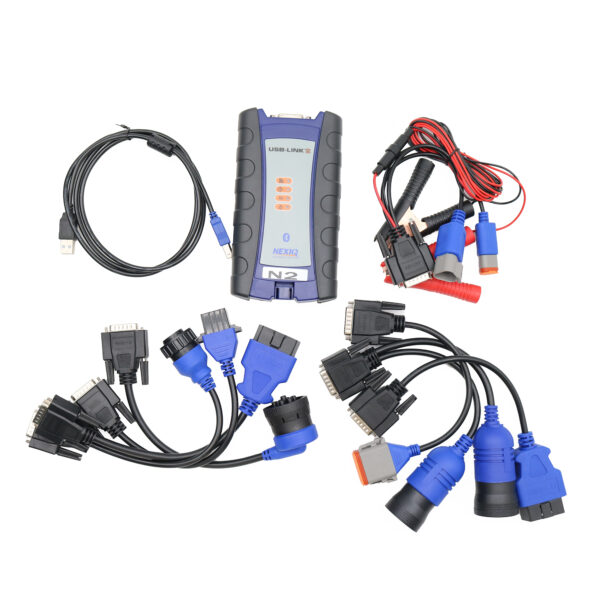
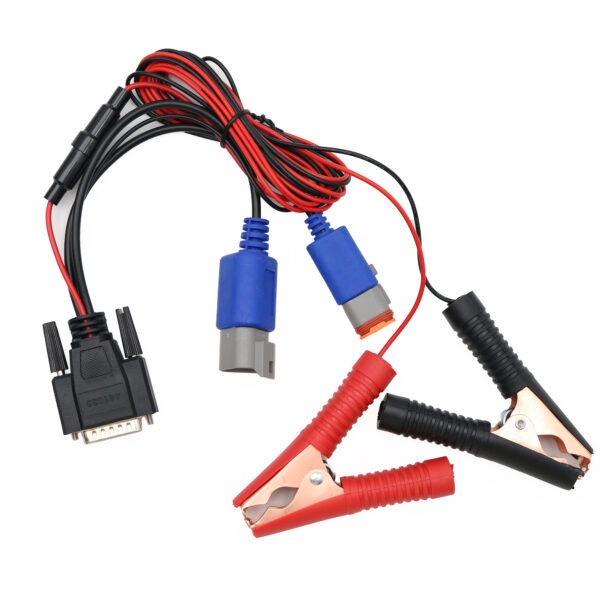
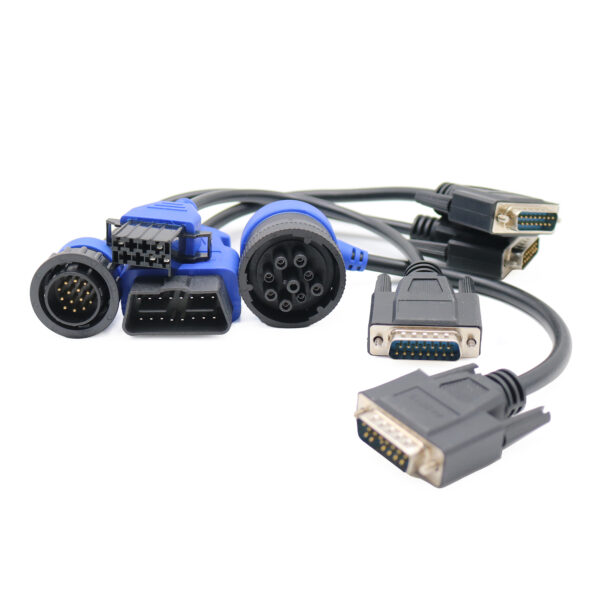
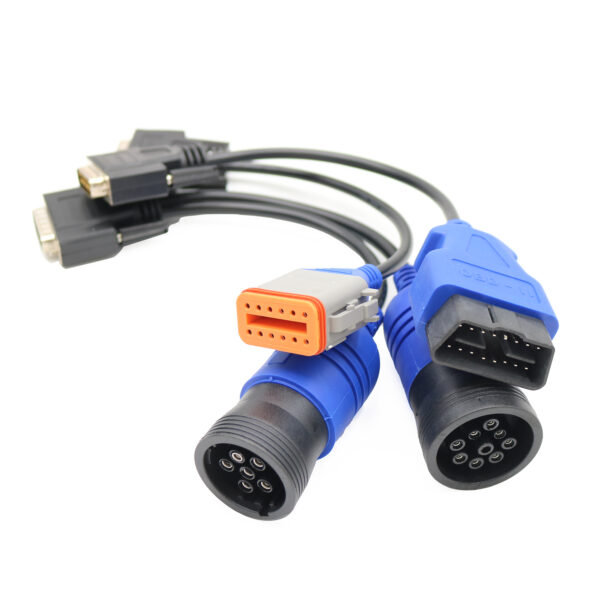
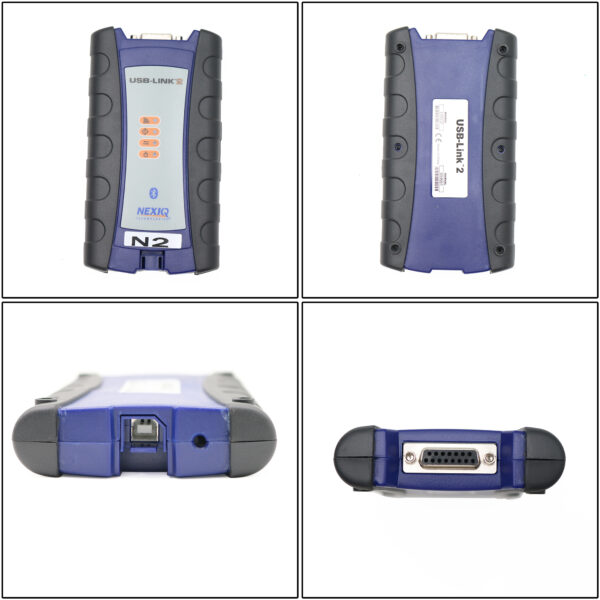
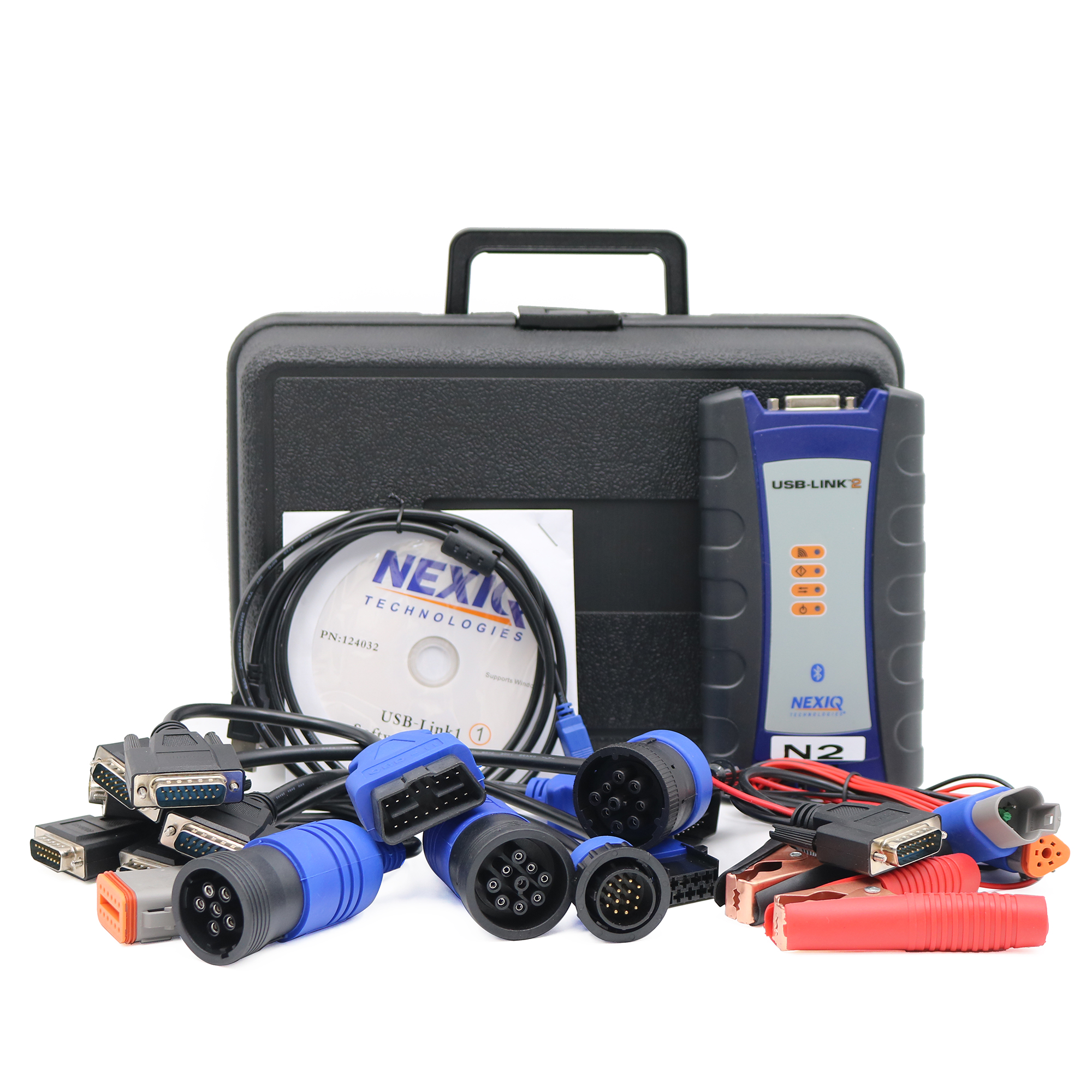
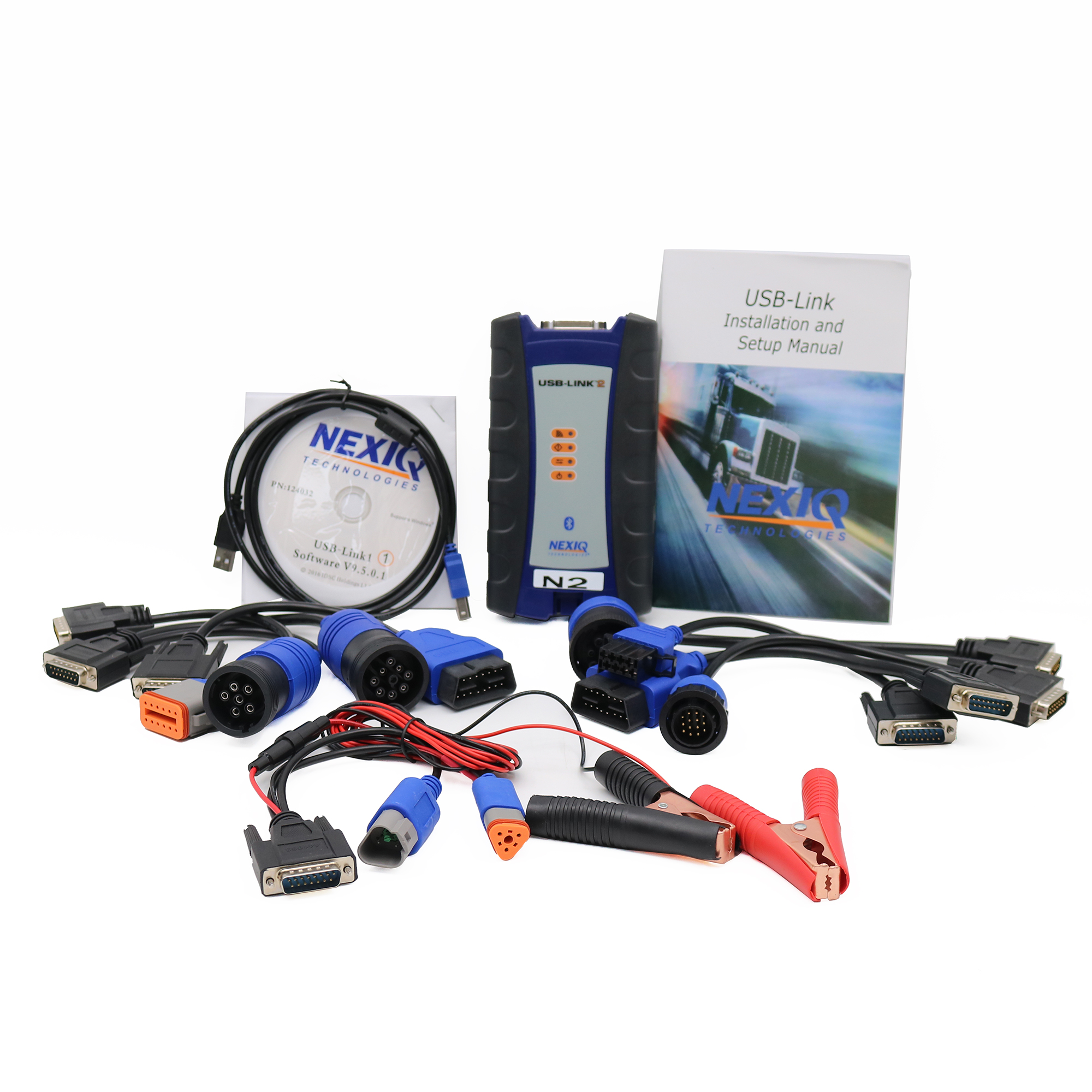
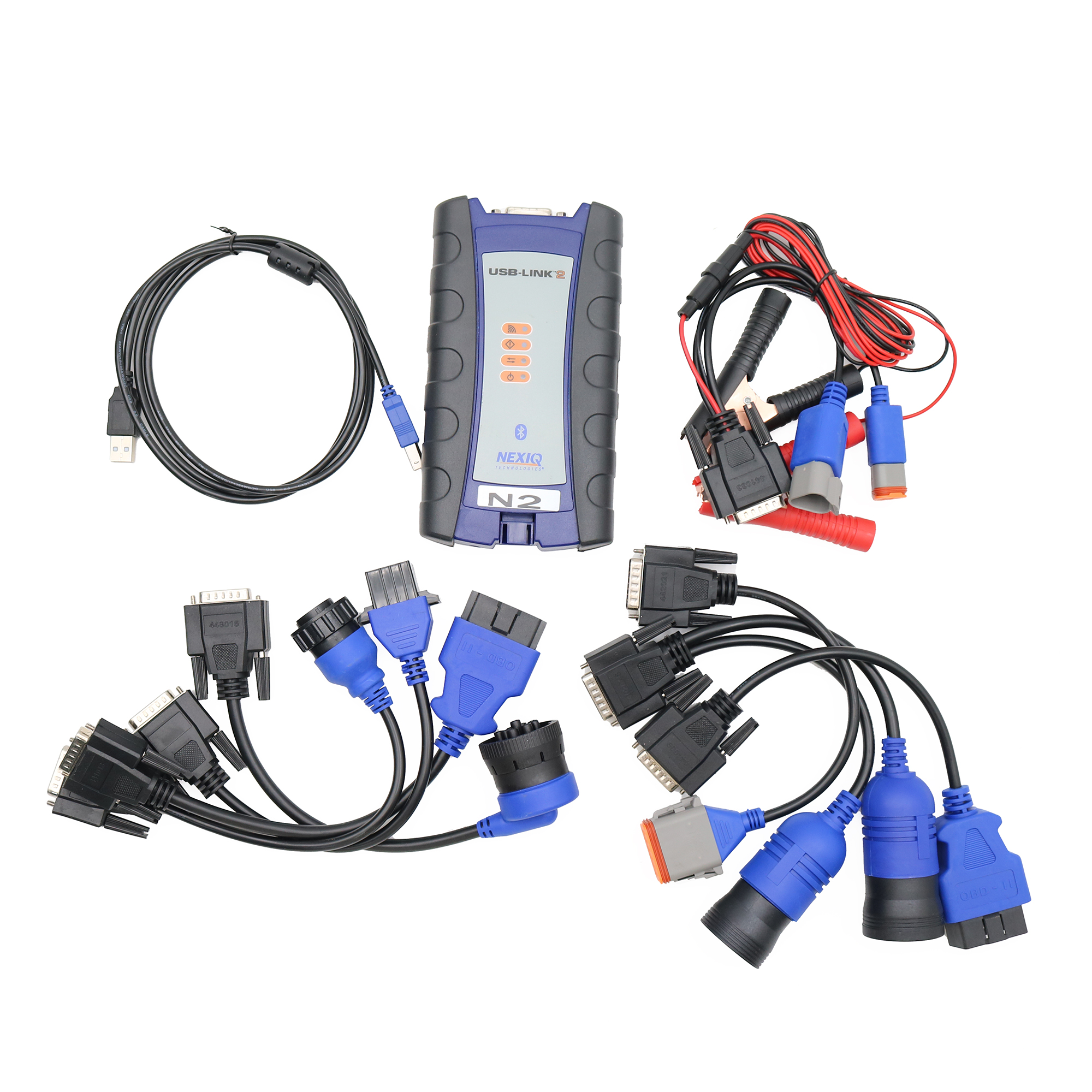
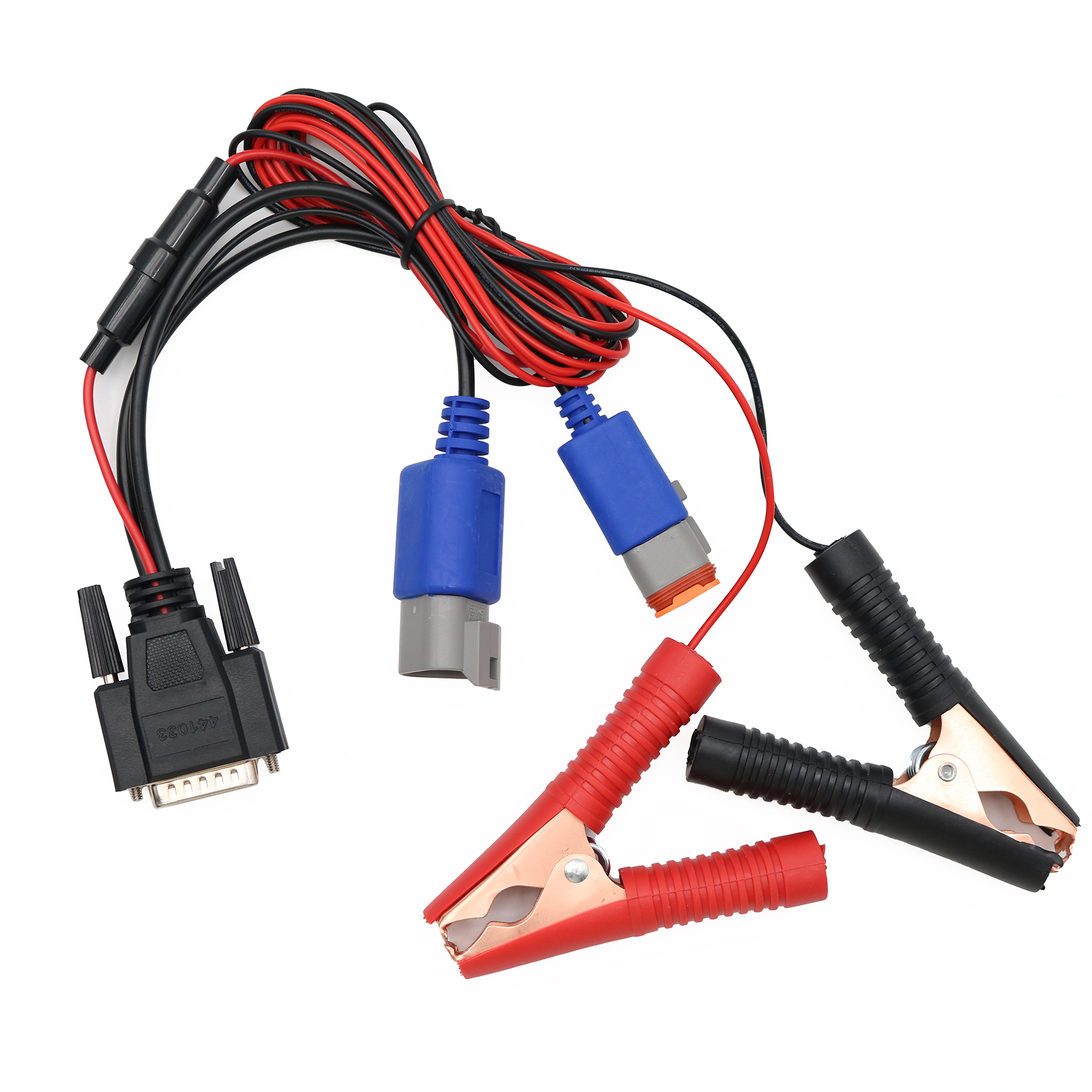
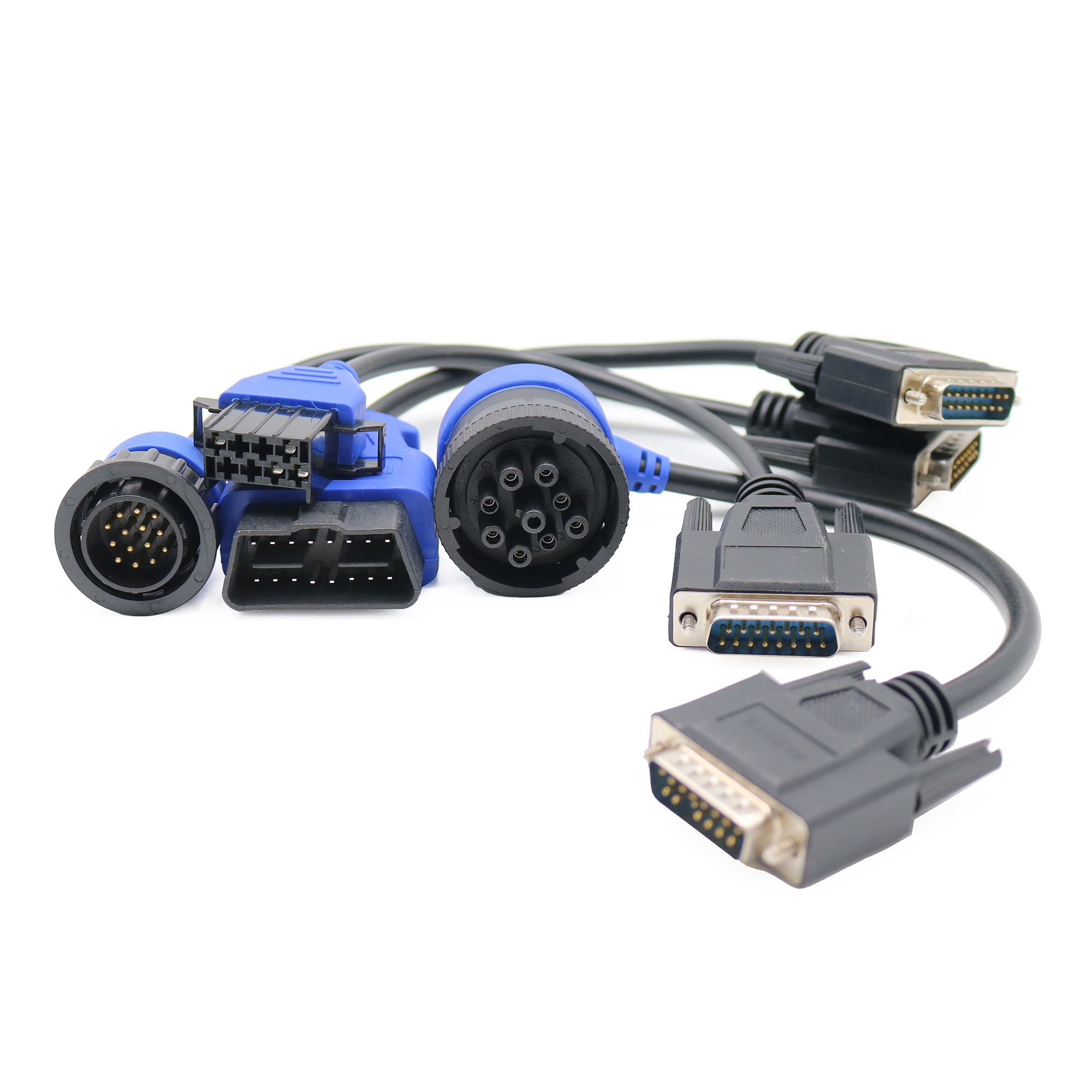
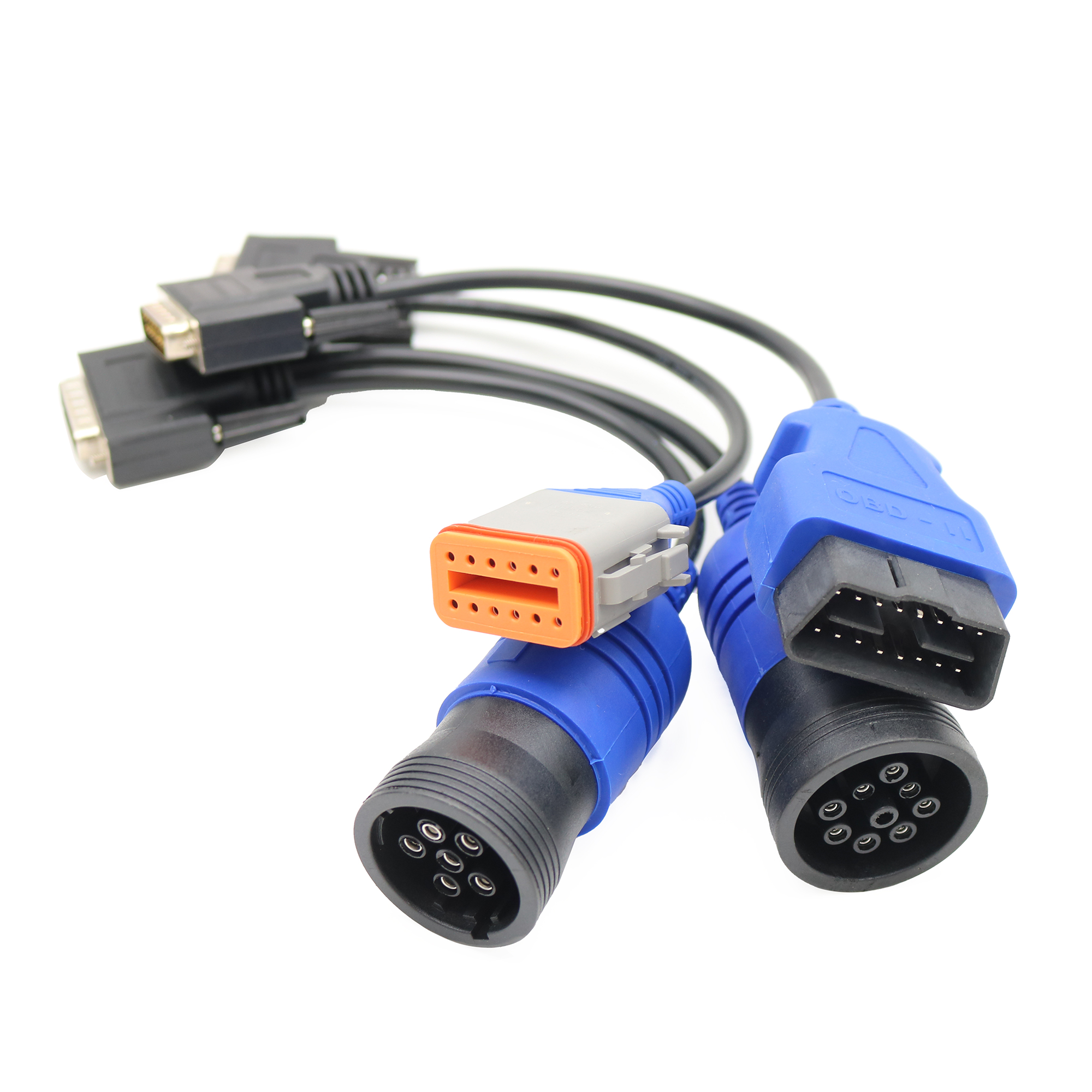
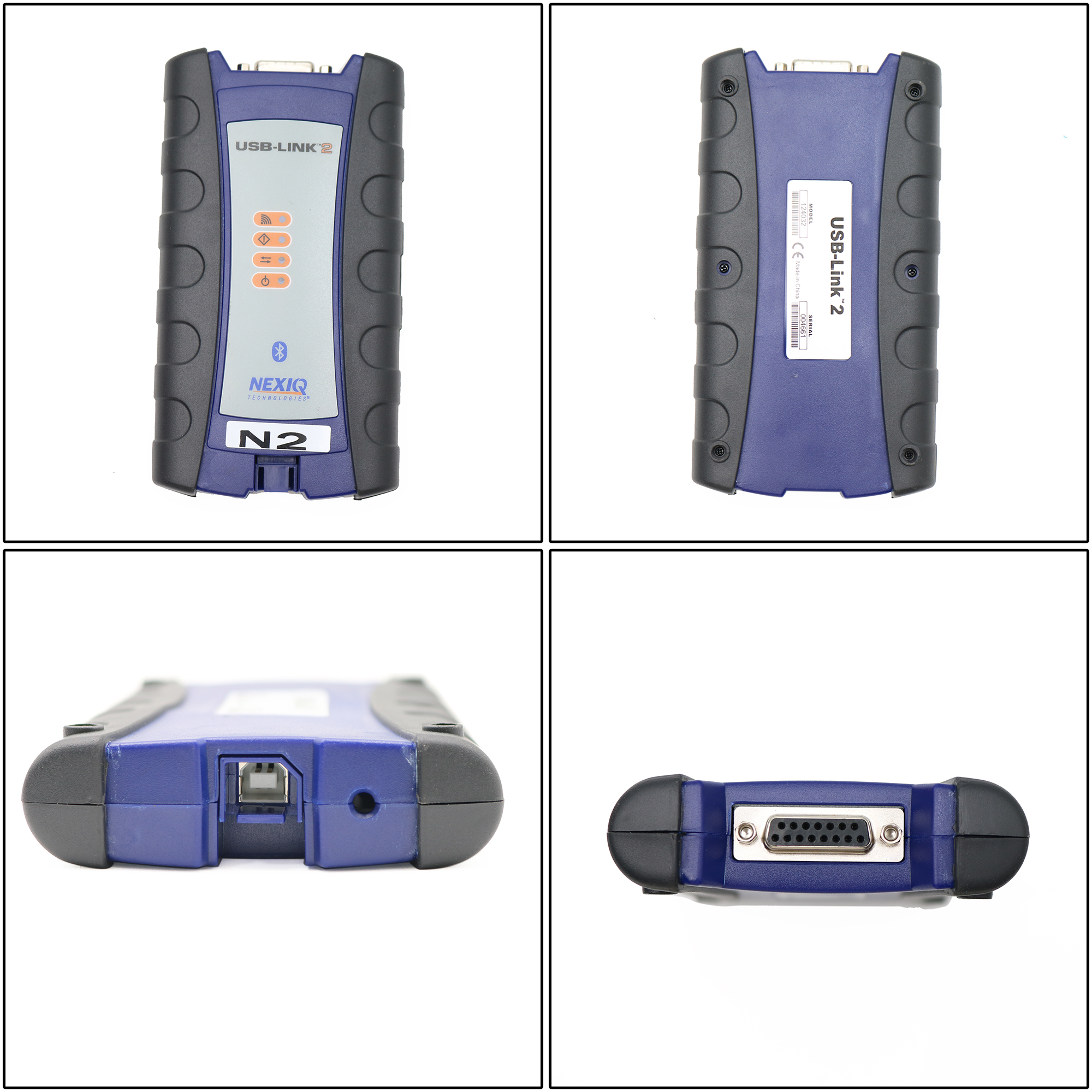
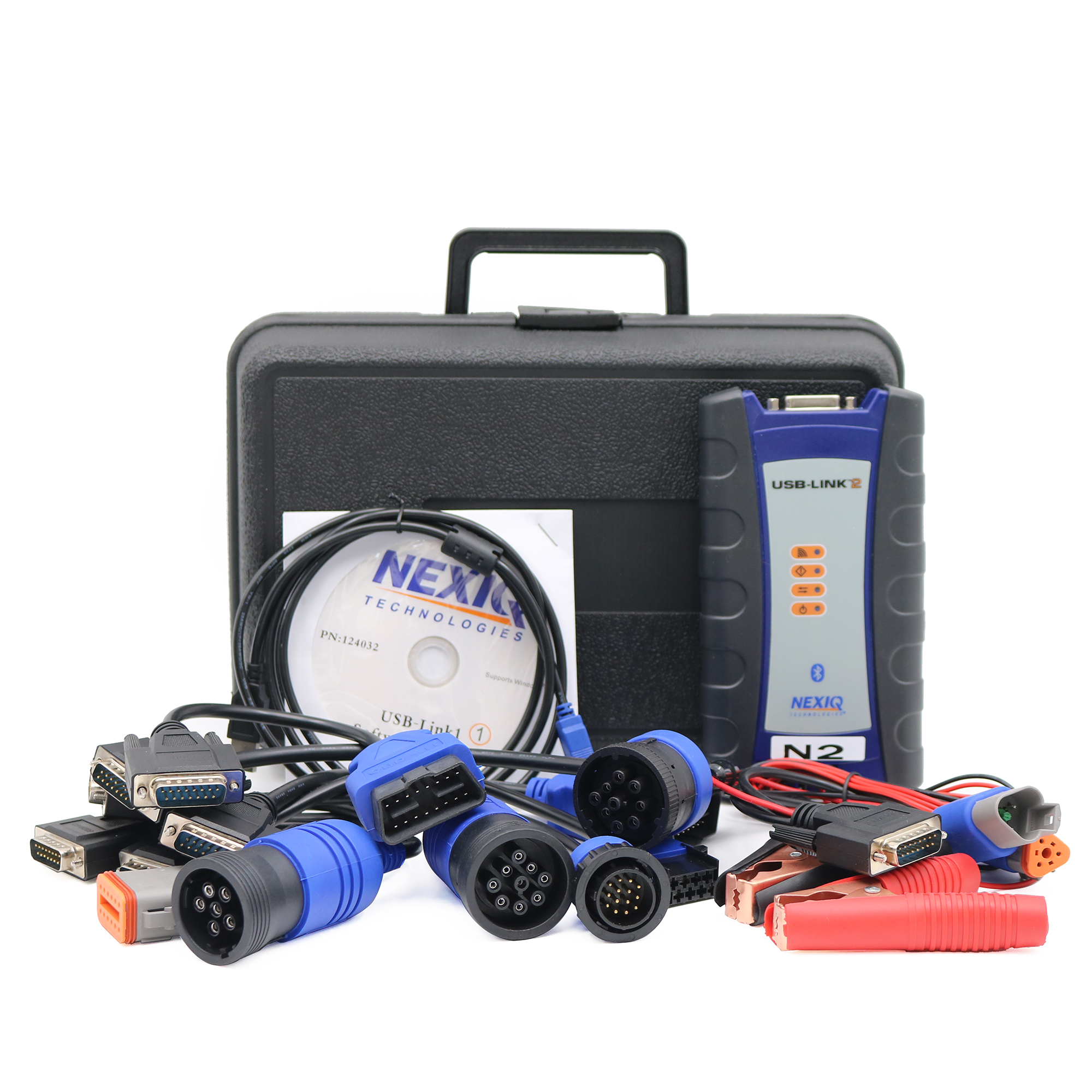
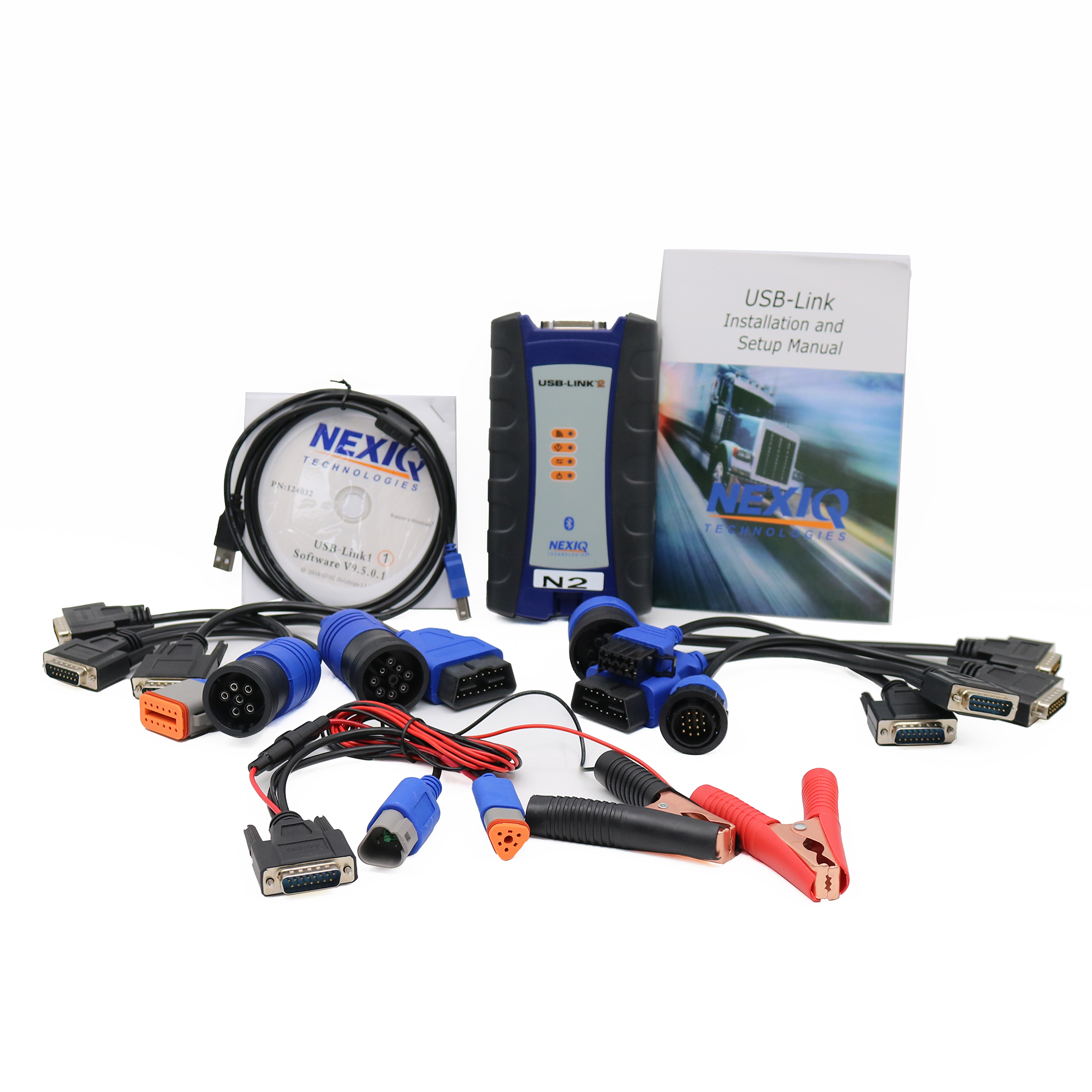
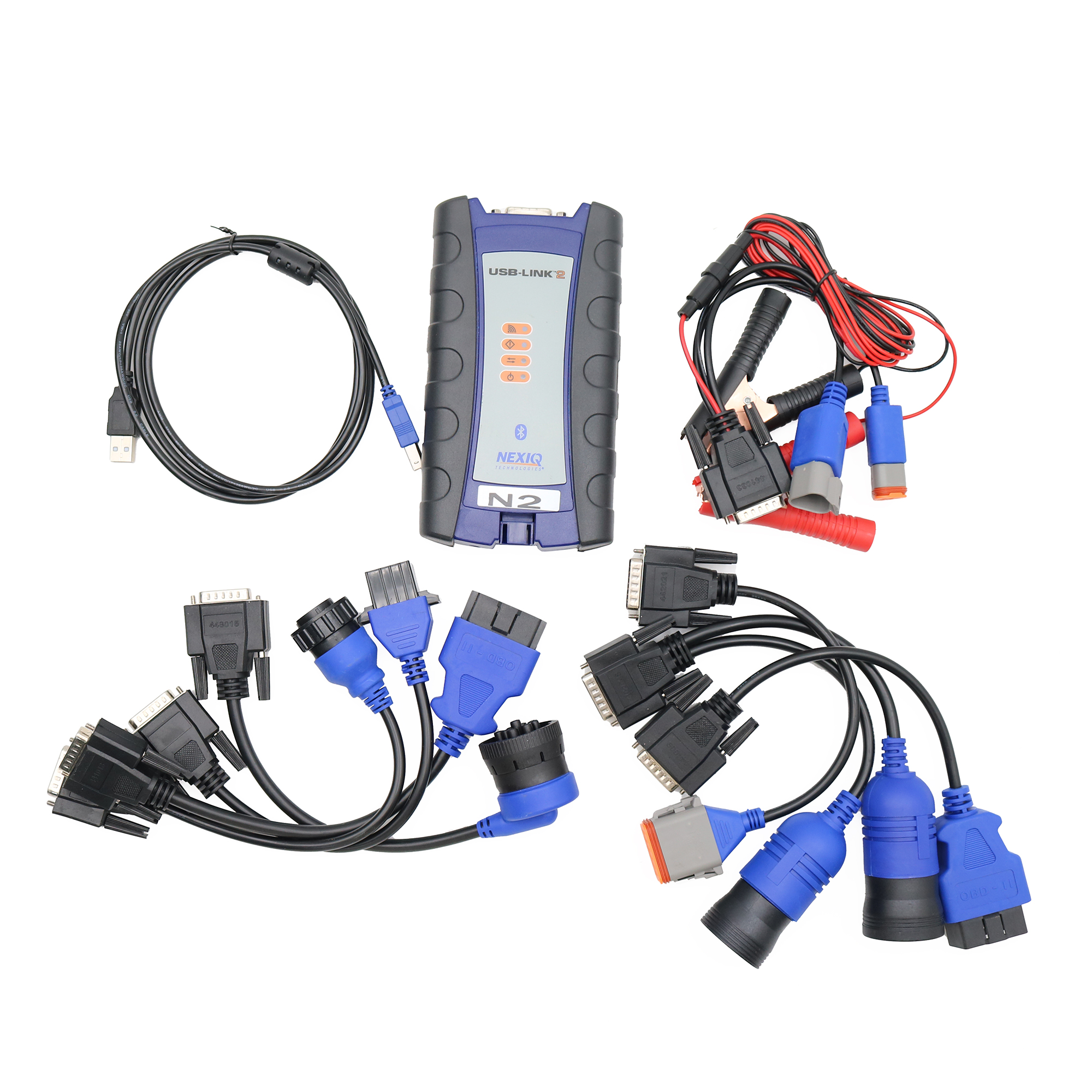
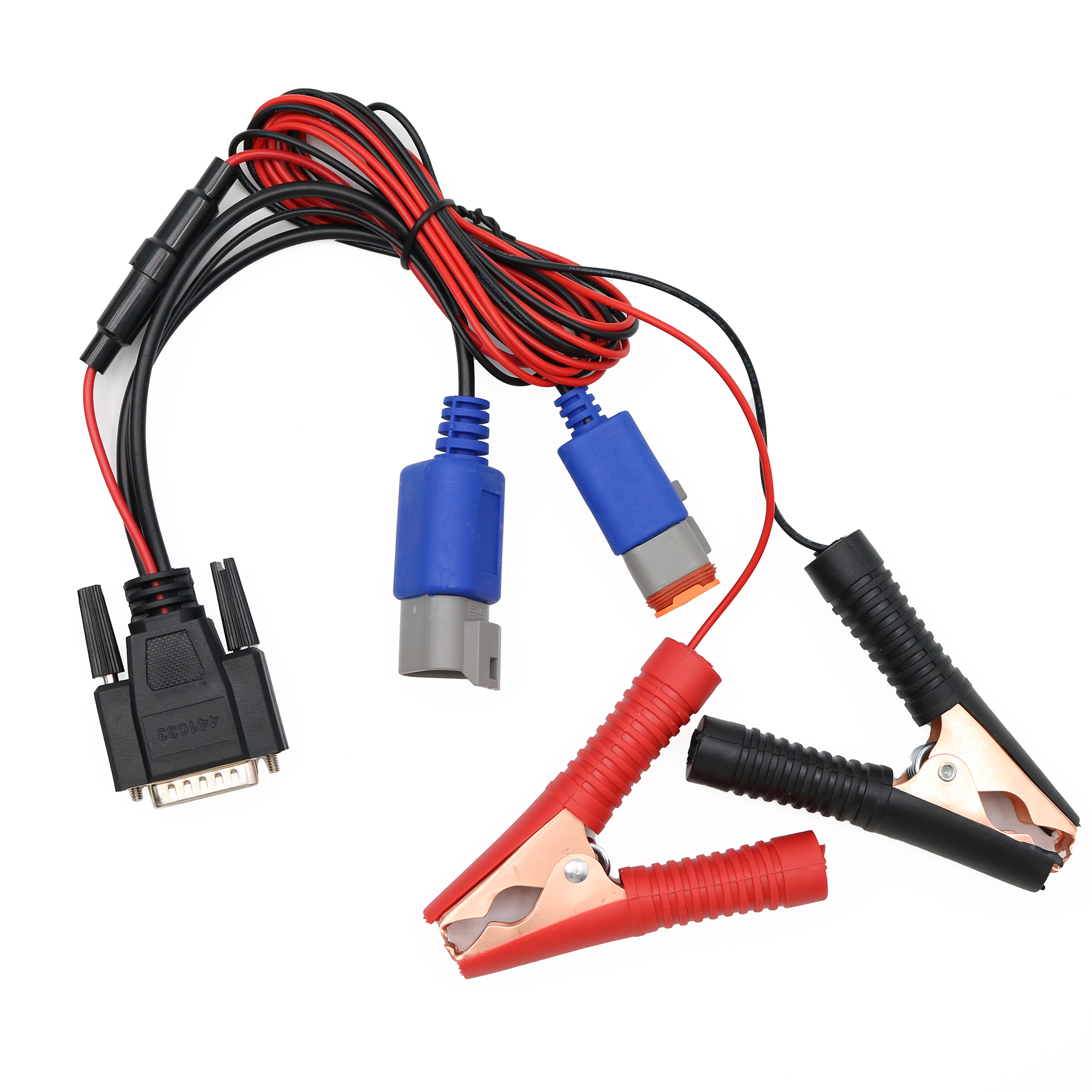
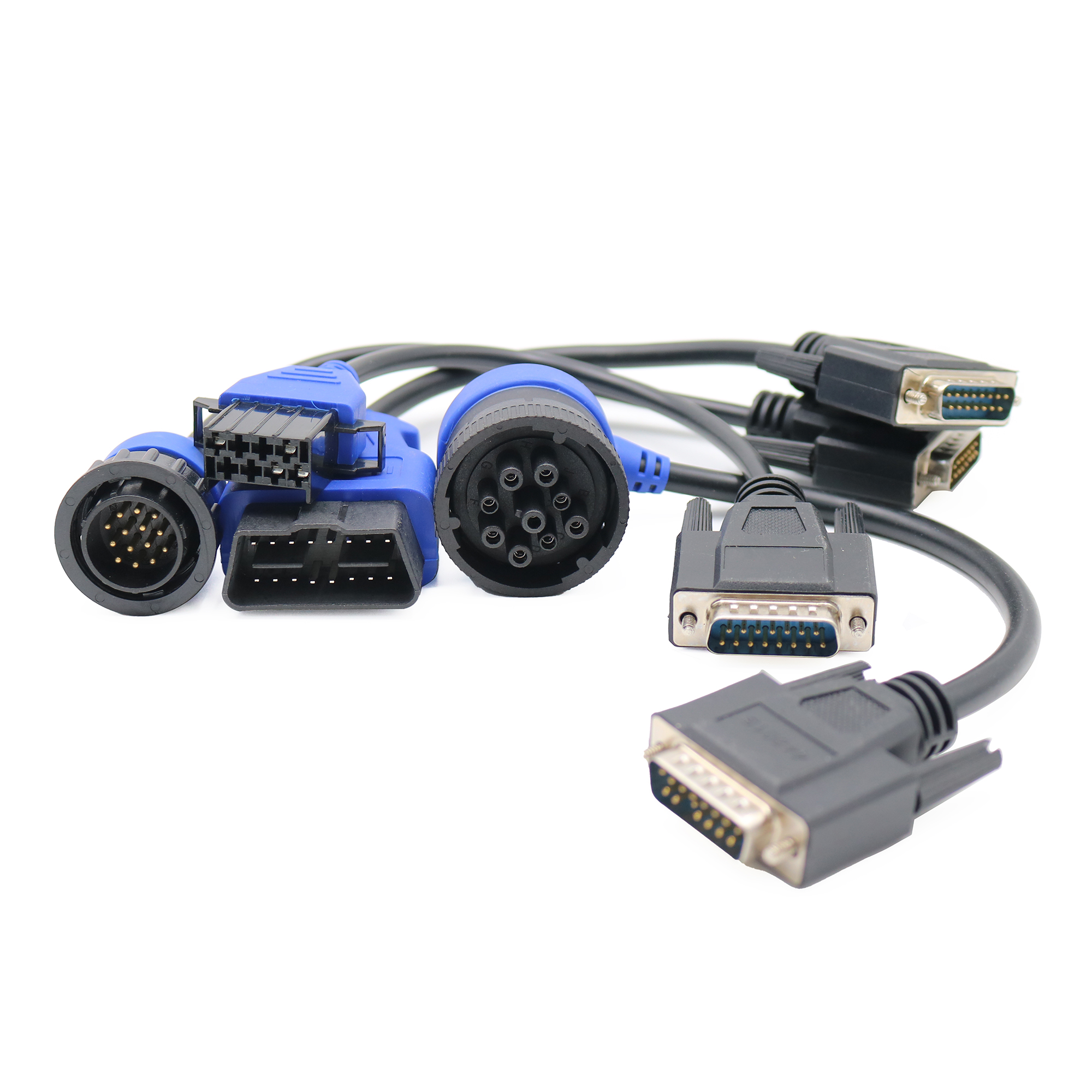
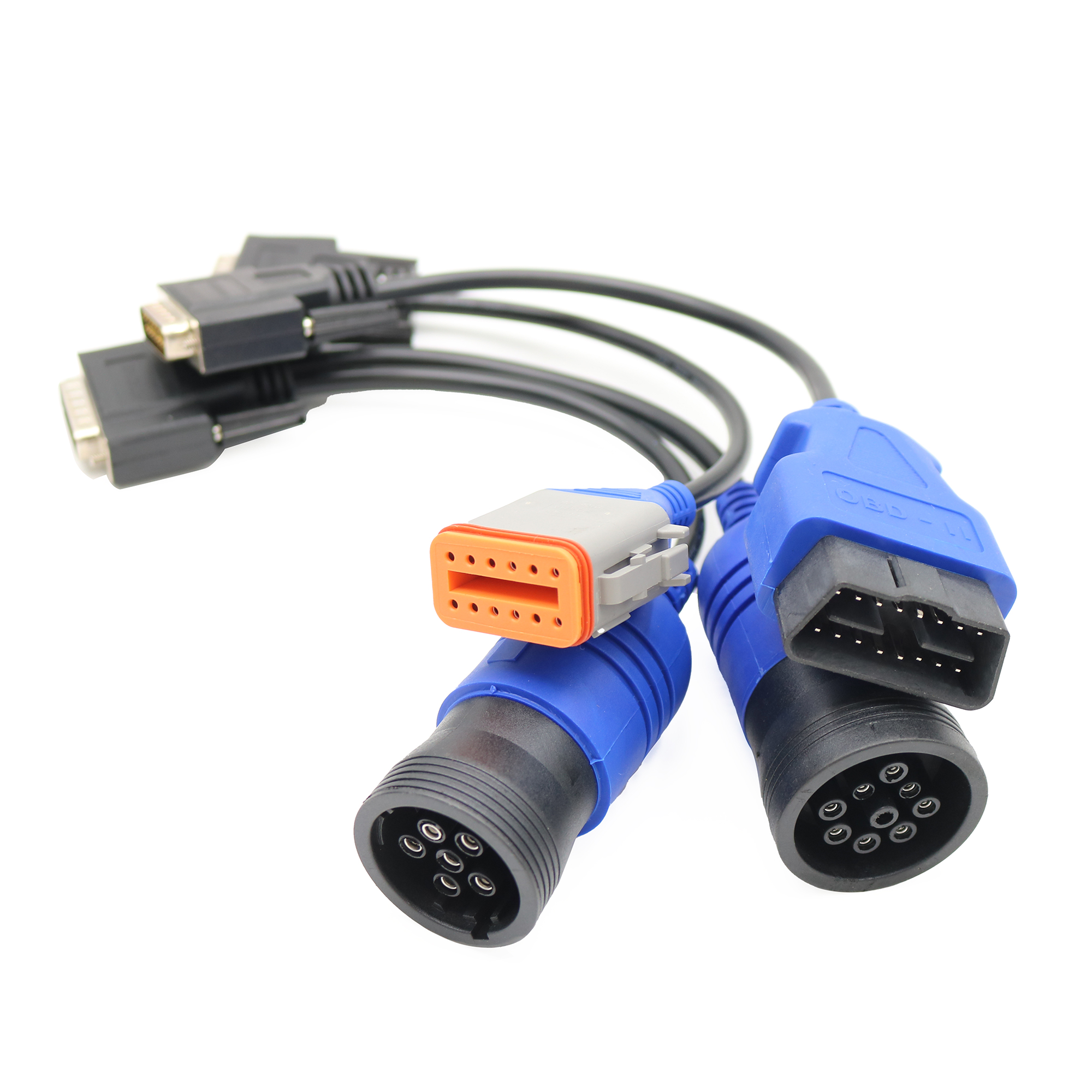
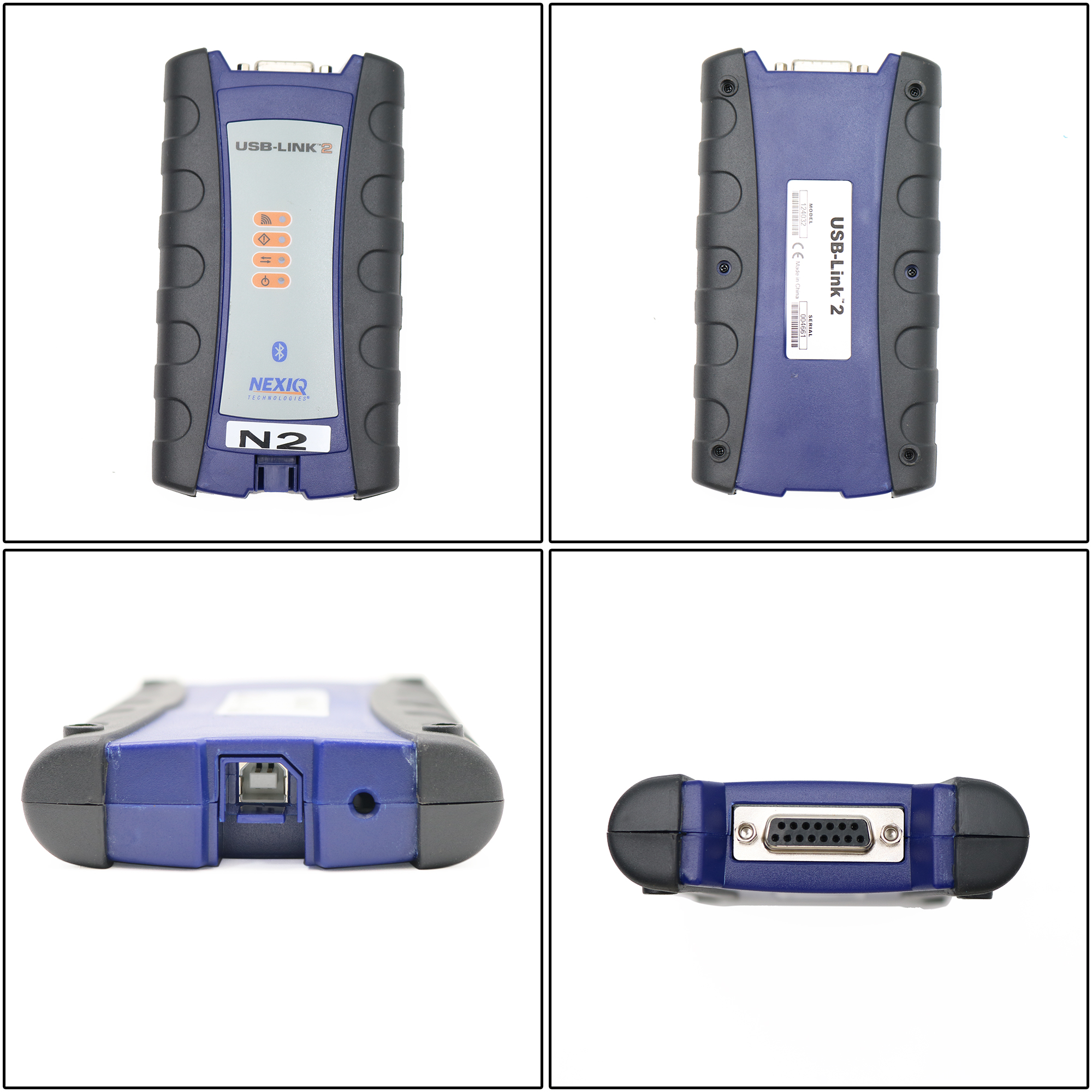
Adapter NEXIQ-2 124032 Link 2 for diesel heavy trucks, construction machinery equipment diagnostic tools
Function: Including fault code reading, engine system monitoring, fuel system diagnosis, emission control system diagnosis, sensor and execution testing, ECU programming and calibration, hydraulic system diagnosis, transmission diagnosis, remote diagnostic support, etc.
Applied Model: Supported vehicles include heavy trucks such as Volvo, Mack, Navistar, International, Freightliner, Isuzu, and GMC. It also supports Scania, Komatsu, and MAN (with upgrade options). For construction machinery, it covers Volvo wheel loaders, excavators, and motor graders, mainly L120F, EC210C, and G930 models.
Shipping Address: China
Delivery Time: 5-10 days
Prepare Time: 1~7 days
Warranty: 1 year
Service System: Online support
Packing: Standard packing for export
Shipping Method: DHL, FedEx, UPS, TNT, USPS EMS, etc.
Payment Methods: Credit Card, PayPal, T/T, etc.
Note 1: Please check the model and vehicle nameplate before buying and recommending our machine, If you are not sure, please contact us for confirmation.
Note 2: If you don’t find the model you need, please contact us. We sell accessories for most models.
Product Description: The NEXIQ-2 USB Link is a diesel truck diagnostic interface with Bluetooth functionality, offering broad compatibility with various diagnostic applications.
Features:
- Supported Systems: Windows XP and Windows 7 (32-bit).
Note: For Volvo, Hino, Perkins, CAT, and Nissan software, Windows XP is required. Other software can run on Windows 7 (32-bit).
-
Functions as effectively as the original NEXIQ tool.
-
Compatible with applications that diagnose engines, transmissions, ABS, instrument panels, and more.
-
Direct USB connection reduces reprogramming times.
-
Supports multiple protocols, making it suitable for mixed fleets.
-
Quick vehicle data access for maintenance and reporting.
-
Easy plug-and-play connection to vehicle’s diagnostic port.
-
Compact and portable, suitable for desktop or laptop use.
Important Notices:
-
Do not upgrade the firmware—this may damage the multiplexer.
-
Software installation requirements:
Volvo, Hino, CAT, and Nissan software must be installed on Windows XP.
Other vehicle software can be installed on Windows 7 (32-bit).
-
If you change your laptop’s time, Cummins Inline Software may lock. Download the “How to Unlock Cummins Inline” file to fix this issue.
-
Before installing NEXIQ software, reinstall your computer system to avoid damage to the multiplexer.

Reviews
There are no reviews yet.